

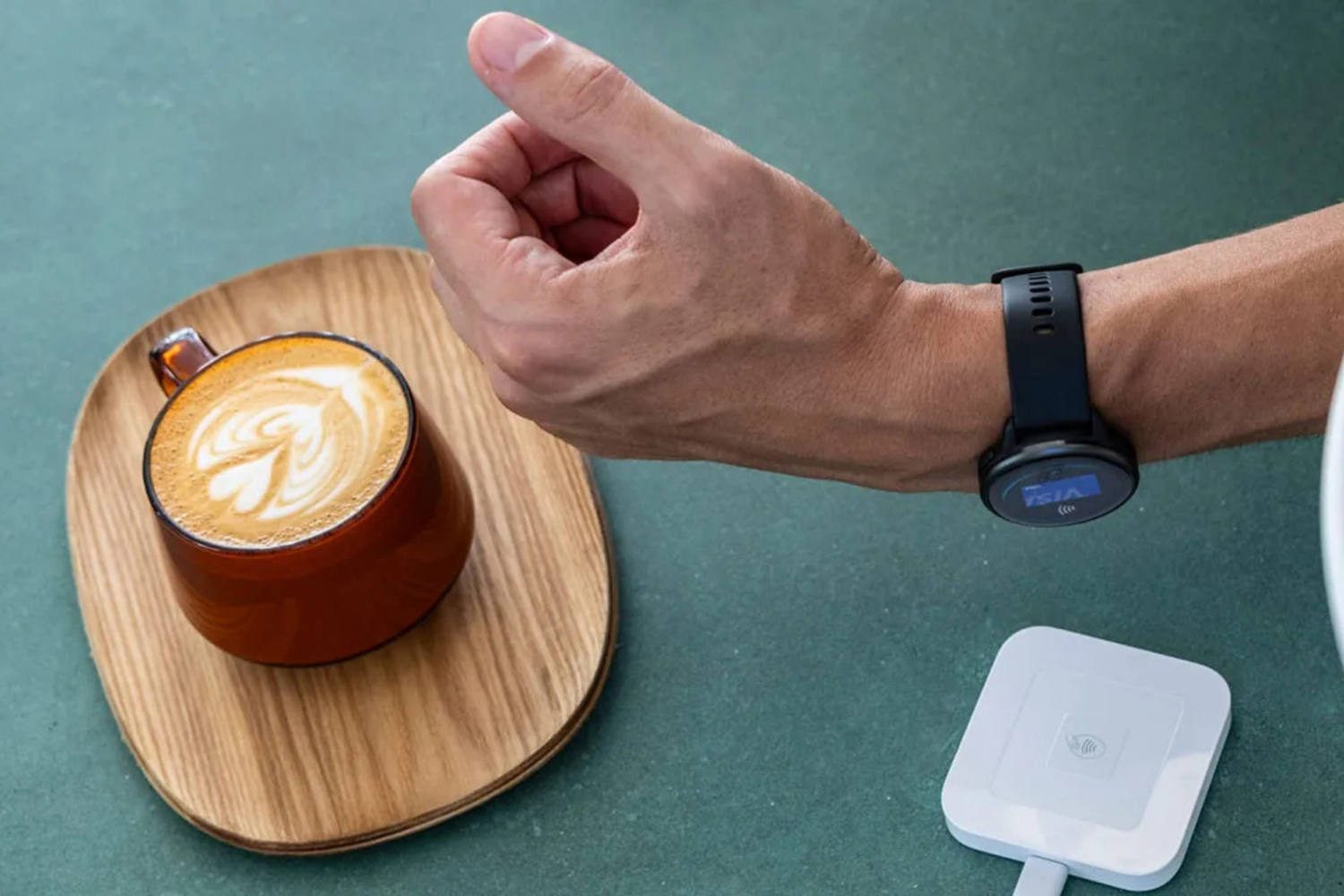
Garmin Pay lets you pay from your wrist at contactless terminals. It launched in the Philippines in June 2026 with two participating banks and works on a wide range of Garmin devices.
If you already wear a compatible Garmin watch, you can tap and pay at contactless terminals without pulling out a wallet or a phone. If you are still choosing your first Garmin, compatibility varies by model, so it helps to know what to look for.
Below is what Garmin Pay does, which banks support it locally, which devices work with it, how to set it up, and how your card details stay protected.
What Is Garmin Pay?

Garmin Pay is a contactless payment built directly into compatible Garmin devices. You add your credit or debit card to Garmin Wallet inside the Garmin Connect app once. After that, you pay by entering a passcode on your device and holding it near the card reader.
The practical difference from tapping a phone comes down to what you have to carry. Garmin Pay runs on the device itself. Your phone can stay at home, sit at the bottom of your bag, or run out of battery, and payment still works. No internet connection is required at the terminal either, because the card credentials live on the device.
That matters most in the moments where reaching for a wallet is genuinely inconvenient. Finishing a long run with no pockets. Mid-ride at a roadside store. Coming out of the pool. Standing at a counter with your hands full.
Garmin Pay is also not limited to watches. Select Garmin bike computers support it, so cyclists can pay without unclipping a phone from a jersey pocket. And once your card sits in Garmin Wallet, you can use it for premium watch faces, apps, and other purchases in the Connect IQ Store.
Is Garmin Pay Available in the Philippines?
Yes. Garmin Pay went live in the Philippines in early June 2026.
The launch came through partnerships with GoTyme Bank and EastWest Bank, running on the Visa and Mastercard payment networks.
In practical terms, Garmin Pay works at any point-of-sale terminal in the Philippines that accepts contactless Visa or Mastercard payments. That covers a large share of malls, supermarkets, convenience stores, restaurants, cafés, and retail shops.
Acceptance abroad depends on your specific card, your issuing bank, and the terminal. Garmin also supports transit payments on select systems globally, though support for the MRT and LRT here has not been confirmed, and some Garmin Pay features available in other markets are not enabled in the Philippines yet.
Two months of local availability means the groundwork is already done. Merchants, banks, and devices are in place.
Which Banks Support Garmin Pay in PH?

Two banks currently issue cards that work with Garmin Pay in the Philippines.
GoTyme Bank
GoTyme Bank supports Garmin Pay through its Visa Debit Card. Cardholders can add the card to Garmin Wallet and tap to pay from a compatible Garmin device.
Two details worth knowing:
- Go Rewards points still earn on eligible purchases made through Garmin Pay. You are not trading rewards for convenience.
- GoTyme Bank charges no additional fees for using Garmin Pay.
One setup note from GoTyme Bank: make sure your card is unlocked in the GoTyme Bank app before you try to pay.
EastWest Bank
EastWest Bank has the broader card coverage of the two. It supports Garmin Pay across Visa debit, Visa credit, and Mastercard credit cards.
According to EastWest Bank, all active EastWest credit and debit cards in good standing are eligible, and both principal and supplementary cardholders can use the service. You can link up to 10 cards to a single Garmin device.
Garmin Pay does not let you assign a permanent default card. Instead, your most recently used card appears first when you open the wallet, which handles most people's habits well enough.
More banks over time
Garmin expands its list of participating issuers on an ongoing basis, and individual banks decide when to enable support. If your bank is not listed above, that is the current state and not a permanent one. Check Garmin's participating banks page for the latest roster before assuming your card will not work.
Which Garmin Watches Support Garmin Pay?
Garmin Pay requires NFC hardware, so support depends on the specific model rather than the product line. Compatible devices currently include:
| Category | Compatible Garmin Devices |
|---|---|
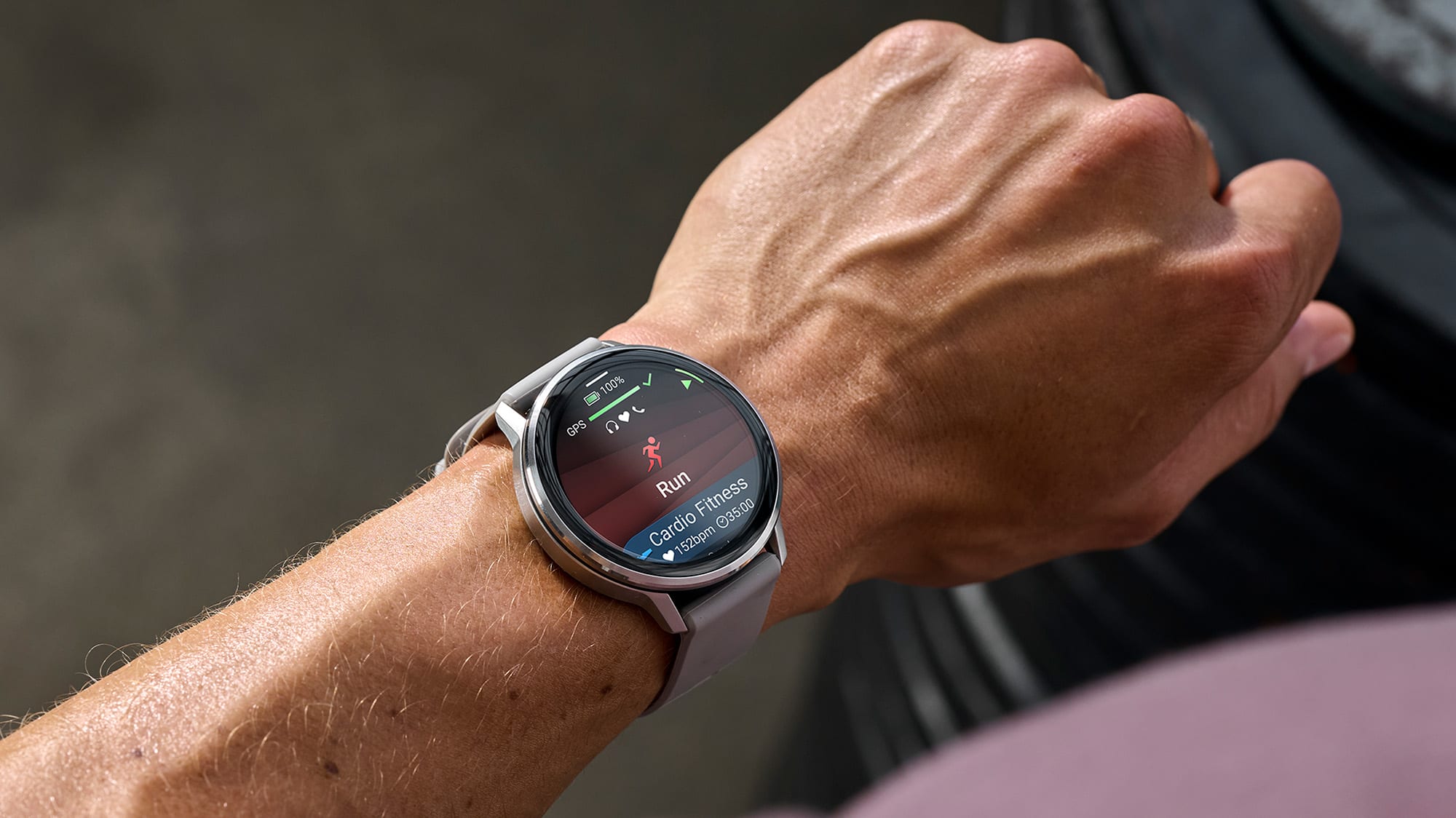
| Running | Forerunner 170, Forerunner 170 Music, Forerunner 165, Forerunner 265 Music, Forerunner 570, Forerunner 965, Forerunner 970 |
| Outdoor | fēnix 8 43mm Sapphire AMOLED, fēnix 8 47mm AMOLED, fēnix 8 51mm Sapphire Solar, fēnix 8 Pro, fēnix E 47mm, Instinct 3 AMOLED Alpine Edition 50mm, Instinct 3 50mm Solar, Instinct E, Instinct Crossover, Instinct Crossover Tactical Edition |
| Wellness | Venu 3, Venu 4, Venu X1, Venu Sq 2, vívoactive 5, vívoactive 6, vívomove Trend, Lily 2 Active, Lily 2 Asia |
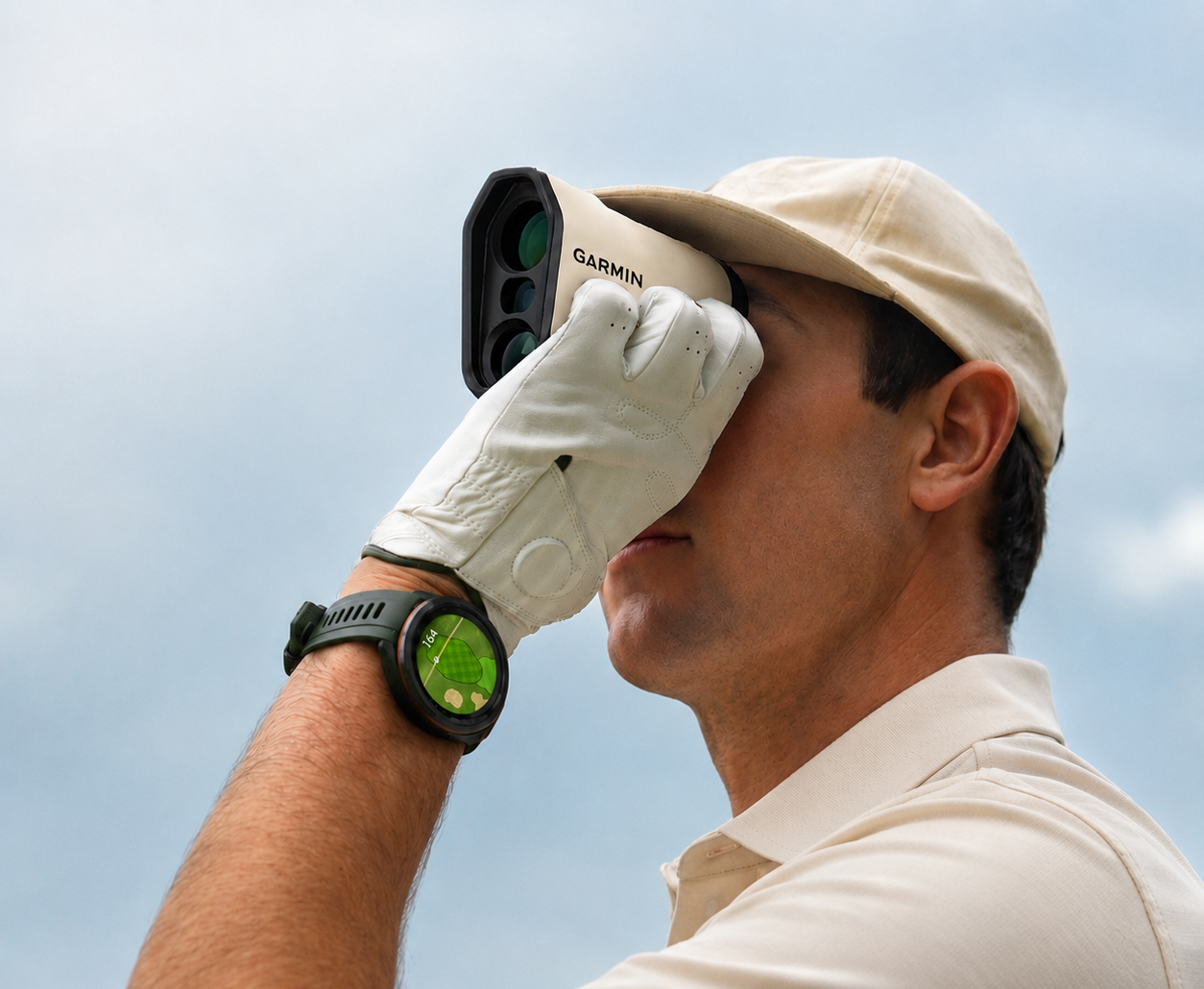
| Golf | Approach S70 |
| Diving | Descent Mk3i 43mm, Descent Mk3i 51mm, Descent G1, Descent G2 |
| Cycling | Edge 850, Edge 1050 |
| Premium (MARQ Gen 2) | MARQ Athlete, MARQ Adventurer, MARQ Aviator, MARQ Captain, MARQ Golfer |
Older Garmin devices without NFC hardware cannot be updated to support Garmin Pay. This is a hardware requirement, so no software update will add it.
How to Set Up Garmin Pay
Setup happens once, takes a few minutes, and runs entirely through the Garmin Connect app on your phone.
- Install and open Garmin Connect. Download it from the App Store or Google Play if you have not already, and confirm your watch is paired.
- Select your device. Choose your compatible Garmin device from your list of paired devices.
- Open Garmin Wallet. Look for the Garmin Pay or Wallet section under your device settings.
- Create your passcode. You will set a 4-digit passcode that protects the wallet. Keep it somewhere you will remember it.
- Add your card. Tap the plus sign, enter your GoTyme Bank or EastWest Bank card details, and complete your bank's verification step.
- Start paying. Enter your passcode on the device, pick your card if you have linked more than one, and hold the device near the reader.
Before your first payment, confirm that your device software is up to date and that your card is active and unlocked in your banking app. Those two checks resolve most setup problems.
Is It Safe?
Garmin Pay is built so that merchants never see your real card number.
When you add a card, your physical card number is replaced with a virtual card number, sometimes called a token. Garmin does not save your actual card number on the device or on its servers, and it is not passed to the merchant during payment. Visa applies its own network tokenization on top of this, generating a one-time digital code for each transaction. A captured transaction record gives an attacker nothing reusable.
Access is protected in layers:
- A 4-digit passcode is required to reach your wallet.
- Wrist detection matters. Garmin Pay works while you are wearing the device. Take it off, and the passcode will be required again before the next payment. Under normal wear, you enter it about once every 24 hours.
- Repeated wrong entries lock the wallet. Three incorrect attempts lock it, and you reset it through Garmin Connect.
- Cards can be suspended or removed remotely through Garmin Connect if your device is lost, sent for repair, or passed on to someone else.
Removing or suspending a card in Garmin Pay does not affect the physical card, which keeps working as normal.
One field-level tip: if a cashier asks for the last four digits of your card on a Garmin Pay transaction, they need the last four of your Device Account Number, not your physical card. You can find it in Garmin Connect under your card details.
Where to Buy a Garmin Watch with Garmin Pay in PH
Kinetic is the official Garmin distributor in the Philippines. Buying through Kinetic means your device is locally sourced, covered by the official Garmin Philippines warranty, and serviceable here rather than shipped overseas.
That distinction carries weight on a payment feature. Garmin Pay depends on device firmware, correct regional configuration, and bank verification working together. Grey-market units bought through unofficial channels can fail any of those checks, and support options are limited when they do.
Every Garmin device from Kinetic comes with official warranty coverage. You can review the full terms on our Warranty Policy page and extend your coverage through the Garmin Warranty Extension Program.
Garmin Pay has been live here since June 2026, and everything needed is already in place: two participating banks, close to 40 compatible devices, and contactless terminals almost everywhere you shop. Setup takes a few minutes and costs nothing extra.
Ready to pay from your wrist? Shop compatible Garmin devices at Kinetic and set up Garmin Pay before your next run.


Leave a comment
All comments are moderated before being published.
This site is protected by hCaptcha and the hCaptcha Privacy Policy and Terms of Service apply.